

CRM for small business
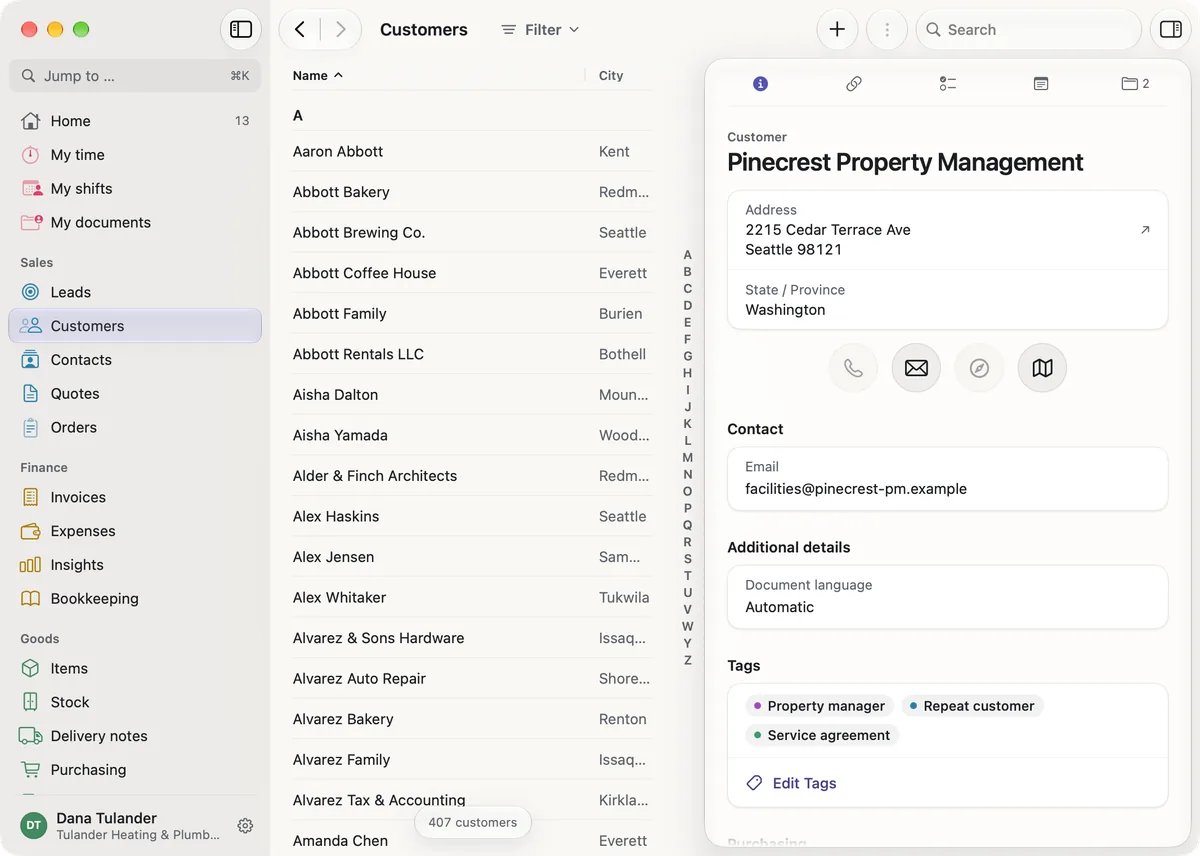
Leads, customers and contacts sit in one place with their tasks, notes, activities and files.

Leads and customers
A lead moves through its stages until it is won or lost, and search and filters work across thousands of records. For each lead you note where it came from, and the insights show how many leads from each source were won. Bring existing customers, leads, contacts, suppliers and articles in from a CSV or Excel file - ord1nary checks every row and shows duplicates before anything is saved.
Tasks and follow-ups
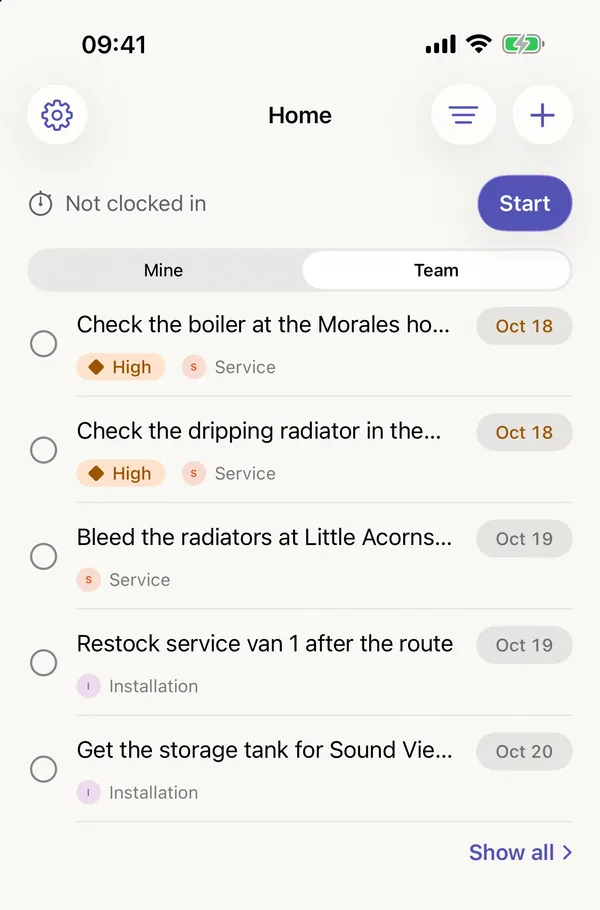
Follow-ups are tasks with a due date, an owner and a link to the customer, and open tasks are on the start screen with their due dates.

Delegate work
Give a task to one person or to a whole department. Whoever in the department takes it over has it on their list, and it leaves the lists of the others.
Quotes, orders and invoices
Write quotes, confirm orders and issue invoices in the same app, and record the payments against each invoice.
Quotes and invoices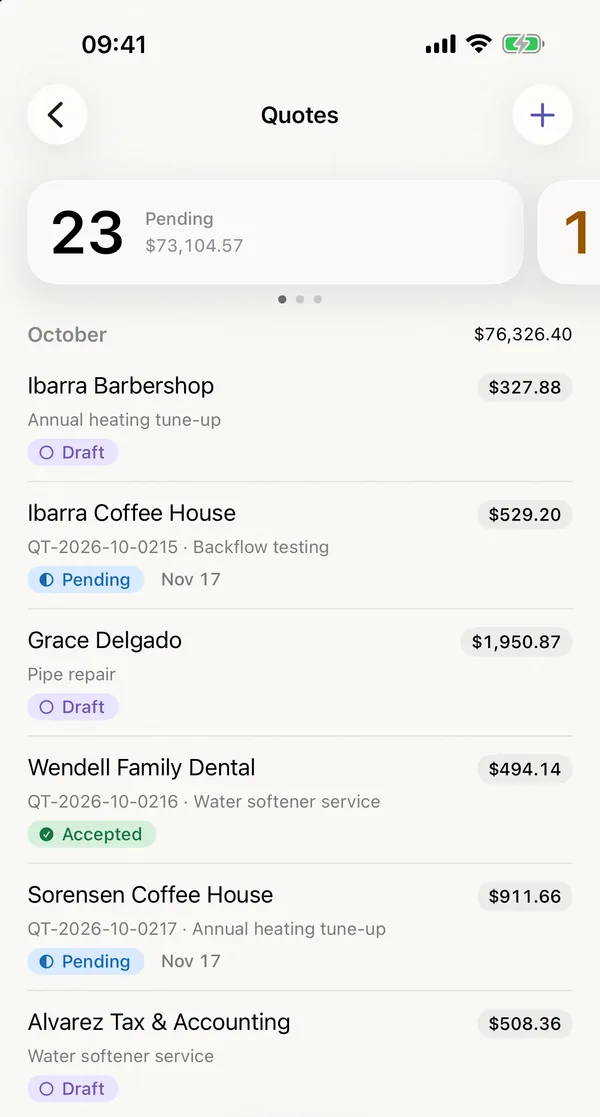
Your AI agent
The AI integration connects your AI agent, such as Claude or ChatGPT, to ord1nary, so you can ask about your business in your own words. You sign in with your ord1nary account. The AI agent then works with your permissions or as a member of your company, with its own permissions.
How to connect your AI agent
ord1nary in the App Store and in the browser
Every module is included in every plan. Start your subscription in the App Store or in the browser. The first month is free, after that you pay the monthly price of your plan.