
AI agents
Hand the work to your AI agent
Tell your agent what needs doing, and it does it in every area of ord1nary.

What AI agents do in ord1nary
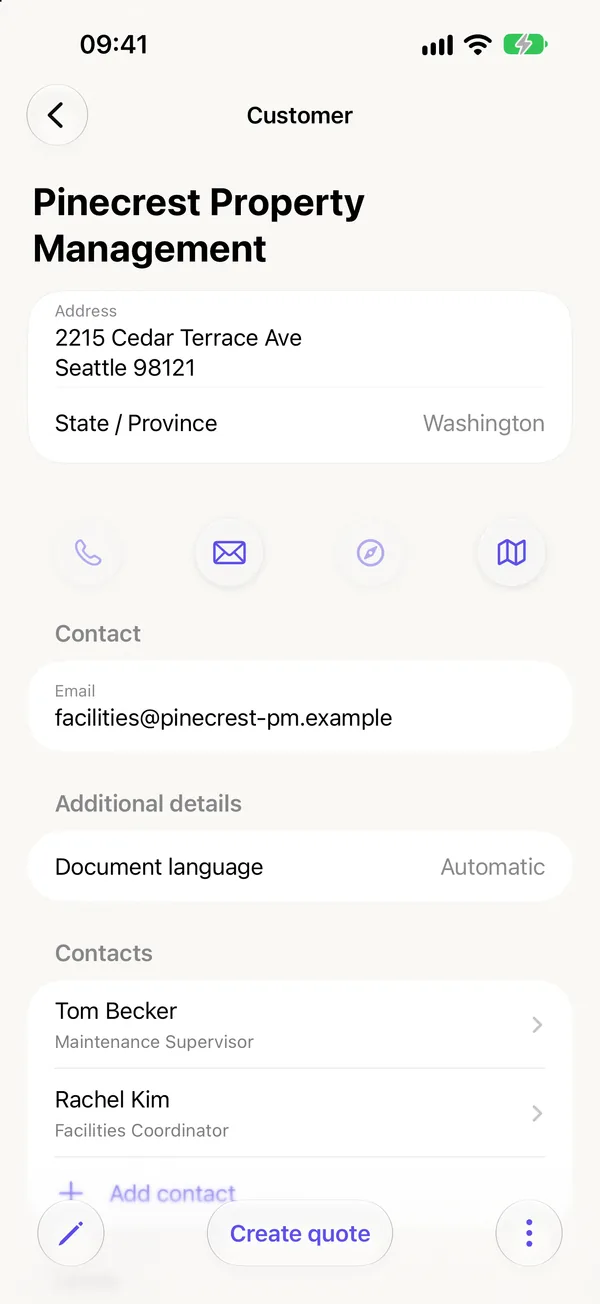
Sales
- “Turn this request into a quote and issue it.”
- The quote is issued, with your articles and prices, a number and a PDF.
- “Turn the email from Ms Bennett into a ticket and draft a reply.”
- The ticket is in ord1nary with contact and attachments, and the draft reply is in the ticket. You send from your own email app.
- “Add all customers from this Excel sheet.”
- The customers are in ord1nary. The agent names possible duplicates instead of creating them twice.

Finance
- “Record the invoices from the email inbox as expenses.”
- The invoices are recorded as expenses and linked to their suppliers. Where there is a purchase order, they are matched with it and the goods receipt. If an invoice comes in twice, the agent tells you.
- “Here is the bank statement. Match the payments.”
- The transactions are matched to invoices and expenses and the payments recorded. The agent tells you which ones it could not match.
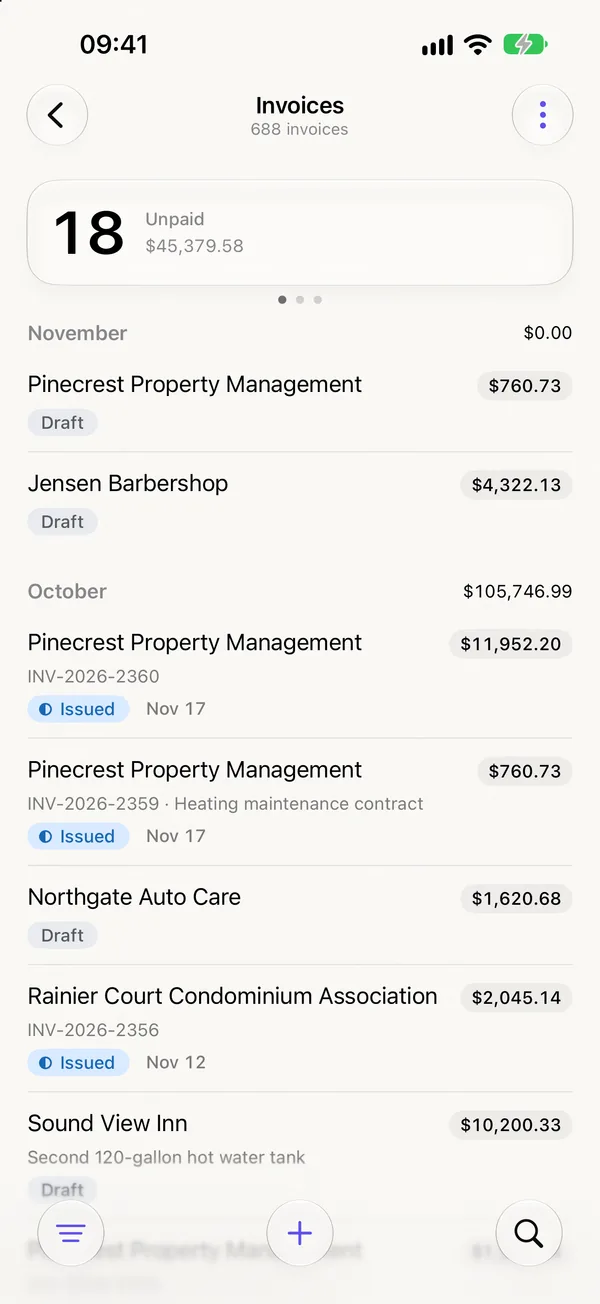
- “Which invoices are overdue? Prepare the reminders.”
- You see the open amount of each invoice and how long it has been overdue. The agent issues the reminders you name.

Goods
- “Reorder whatever is below its reorder point.”
- There is a purchase order for each supplier, with the suggested quantities.
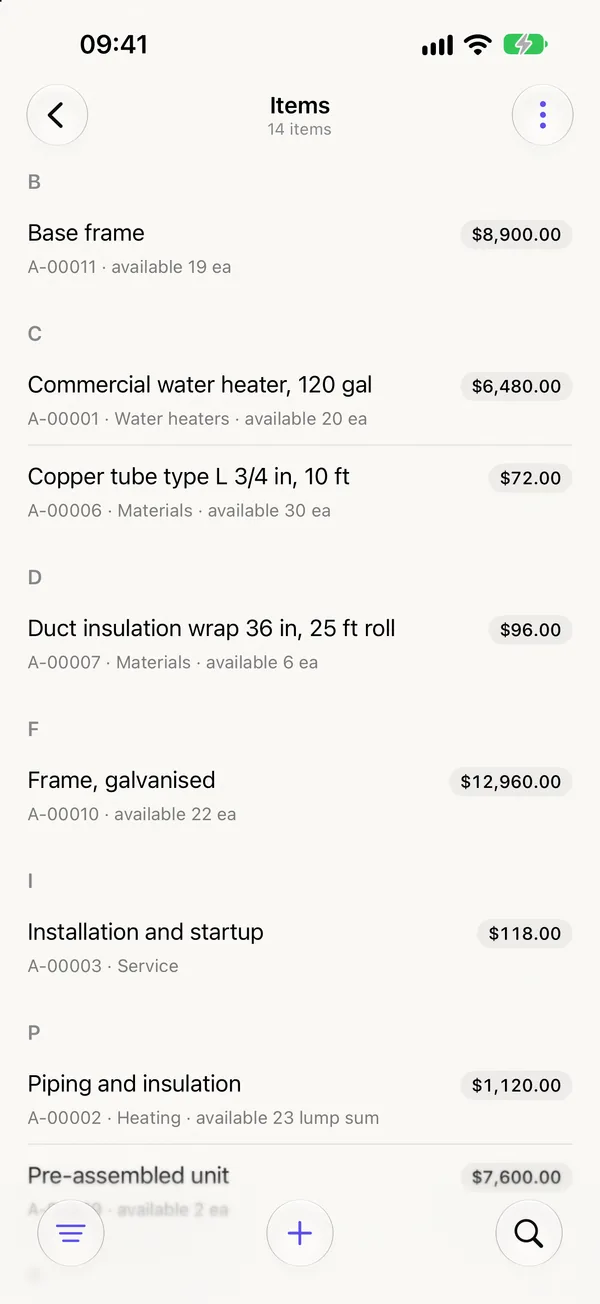
- “Add the articles from this price list.”
- The articles are in ord1nary with their prices.
- “Create a production order for 50 units of this article and release it.”
- The production order is created and released.

Team
- “Schedule Anna and Tom for the Miller order next week and publish the plan.”
- The shifts are in the plan, and the plan is published.
- “Remind Hannah in two weeks to call Pinecrest back.”
- Hannah has a task with a reminder in two weeks.


Insights
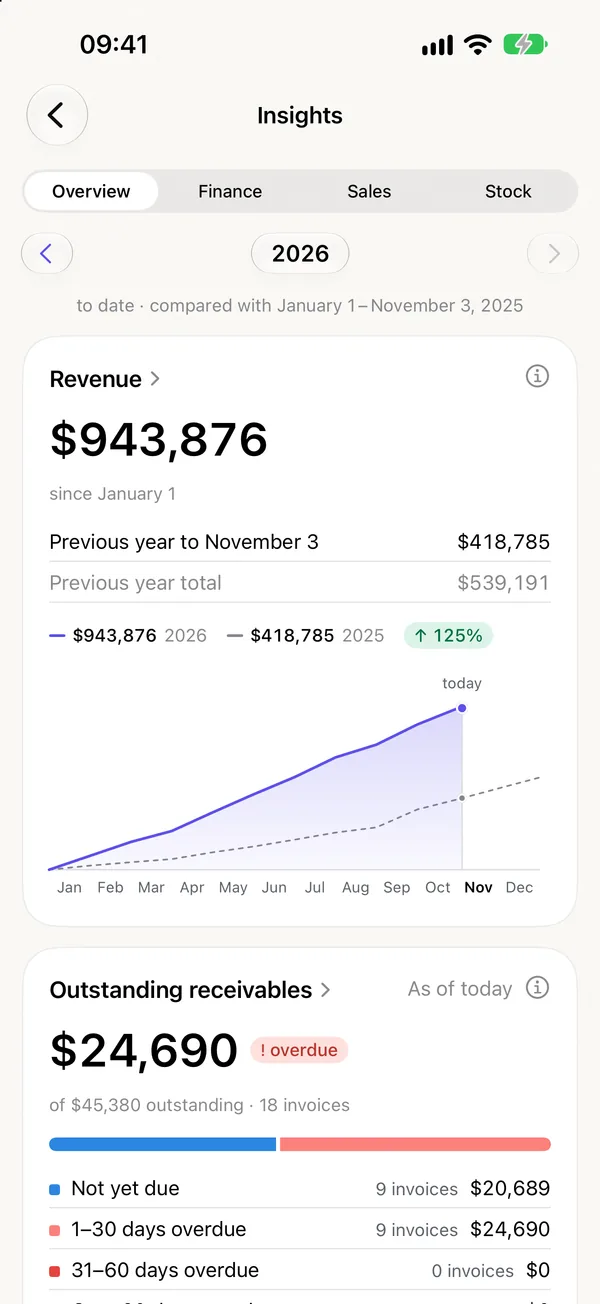
- “Create a sales report for last month.”
- The report is in your AI app, with the figures from ord1nary.

Workflows
From inquiry to payment
From purchase order to supplier payment
Add customersWrite a quoteConfirm the orderWrite the invoiceMatch paymentsIssue remindersManage itemsOrder goodsRecord supplier invoicesLog hoursAnswer requestsCustomer serviceSalesReportingBookkeepingPurchasing and stock


From inquiry to payment
From purchase order to supplier payment
Add customersWrite a quoteConfirm the orderWrite the invoiceMatch paymentsIssue remindersManage itemsOrder goodsRecord supplier invoicesLog hoursAnswer requestsCustomer serviceSalesReportingPurchasing and stockBookkeeping- Chat
- Team chat
- Schedule
- Customer service
- Purchasing and stock
- Assistant
- Reporting
- Bookkeeping
- Sales

Assistant
- Sums up what has happened since yesterday, what is due today and what is waiting for an approval.
- Hands out tasks to your team, with a due date and a reminder.
- Works through the company inbox: requests become leads or tickets, invoices become expenses.
Sales
- Adds new customers and leads with their source.
- Turns a request into a quote with your articles and prices, and issues it.
- Creates the order from the accepted quote and confirms it.
Customer service
- Turns customer emails into tickets, with the contact and the attachments.
- Writes the reply to every request in its ticket. You send it from your own email app.
- Takes every ticket through until it is solved and keeps its status up to date.
Bookkeeping
- Writes and issues invoices from orders, and a payment reminder when an invoice is overdue.
- Records supplier invoices as expenses, including e-invoices.
- Matches the transactions on a bank statement once you agree.
Purchasing and stock
- Creates a purchase order per supplier for everything below its reorder point.
- Books goods receipts and stocktakes.
- Manages items, prices and price lists.
Reporting
- Logs your team’s hours on the orders.
- Works out what each order leaves after material and labour.
- Compares revenue and costs per month with the previous year and shows what comes in and goes out over the coming weeks.
All workflows
Customer service
Sales
Bookkeeping
- Writing invoicesWrite the invoice from the order and issue it.
- Matching paymentsMatch the payments on the bank statement to invoices and expenses.
- Chasing overdue invoicesSend reminders for overdue invoices, one by one or all at once.
- Recording supplier invoicesRecord supplier invoices with their receipt as expenses.
Purchasing and stock
Reporting
From chat to an agent that works like a team member
In chat
Tell Claude or ChatGPT what needs doing.
On its own in the cloud
AI agents such as Claude Duet, dots in ChatGPT and Grok Bot work like team members. Depending on the provider, they get work from their inbox, a team chat, other agents or a schedule. In ord1nary you set your agent’s permissions as you do for an employee.
Permissions, levels and approvals
Three levels
Every AI connection is set to “Read”, “Write” or “Full”.
AI access per person
The owner and the administration decide for each person how far their AI connections go at most.
Approvals
By default, changes to bank details, access and approval rules made through an AI connection apply only once the owner approves them.
Cancelled, never deleted
Issued documents are cancelled or corrected, never deleted.
History
The history of a quote, an order, an invoice or a customer shows who changed it and through which AI connection. If you add your AI agent as a member of your company, the history shows its name.
Your data
The servers behind ord1nary do not call any language model, and SwiftLabs does not train AI models on your data.