Workflows
Managing items and prices


With your AI agent
- “Add the items from this price list.”
- The items are in ord1nary with their prices.
- “The manifold comes with 4, 6 and 8 circuits. Create the variants.”
- The manifold has three variants, each with its own item number.
In the app
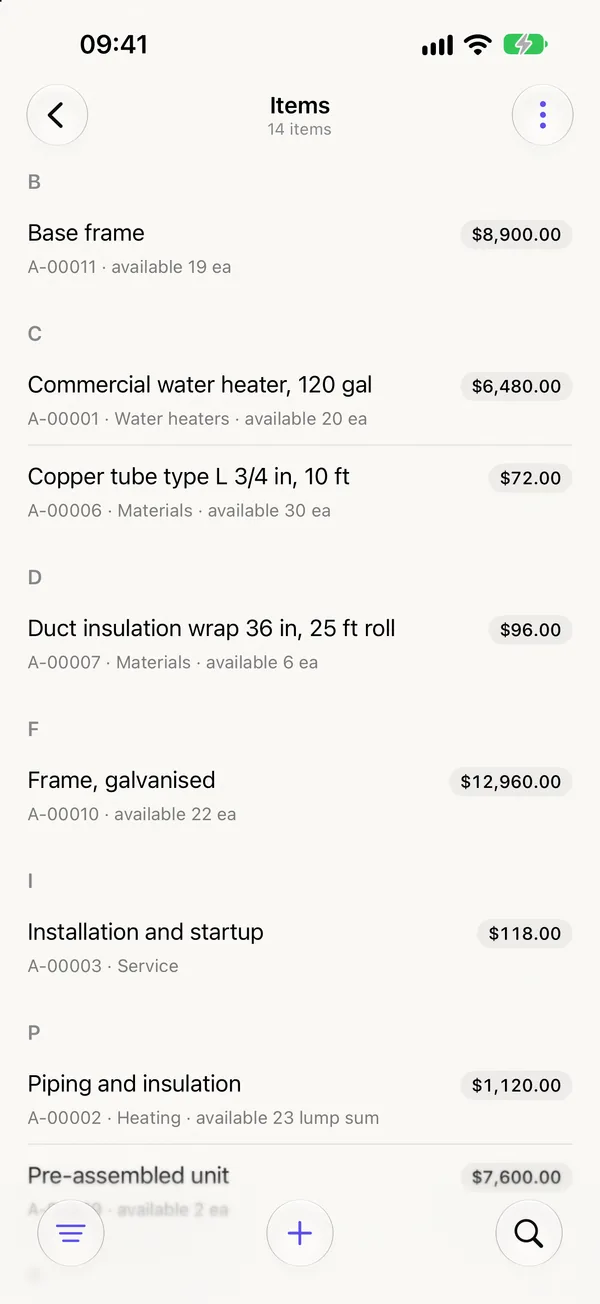
Under “Goods” > “Items”, you choose “Create item”. You set customer prices and price lists once, and ord1nary puts in the right price from then on.