Workflows
Adding and importing customers


With your AI agent
- “Create a customer with a contact person from this email.”
- The customer is in ord1nary, with the contact person from the email. If the customer already exists, the agent tells you.
- “Add all customers from this Excel sheet.”
- The customers are in ord1nary. The agent flags possible duplicates instead of creating them twice.
In the app
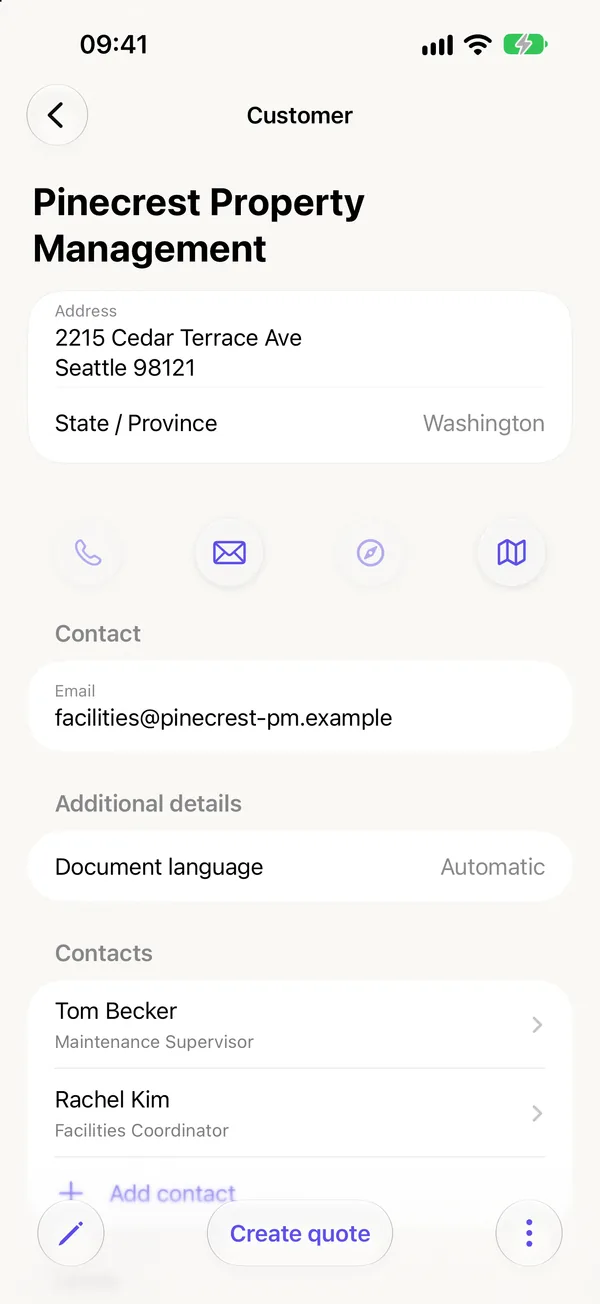
You add customers under “Sales” > “Customers”. You bring in a whole list with “Import Data”.